
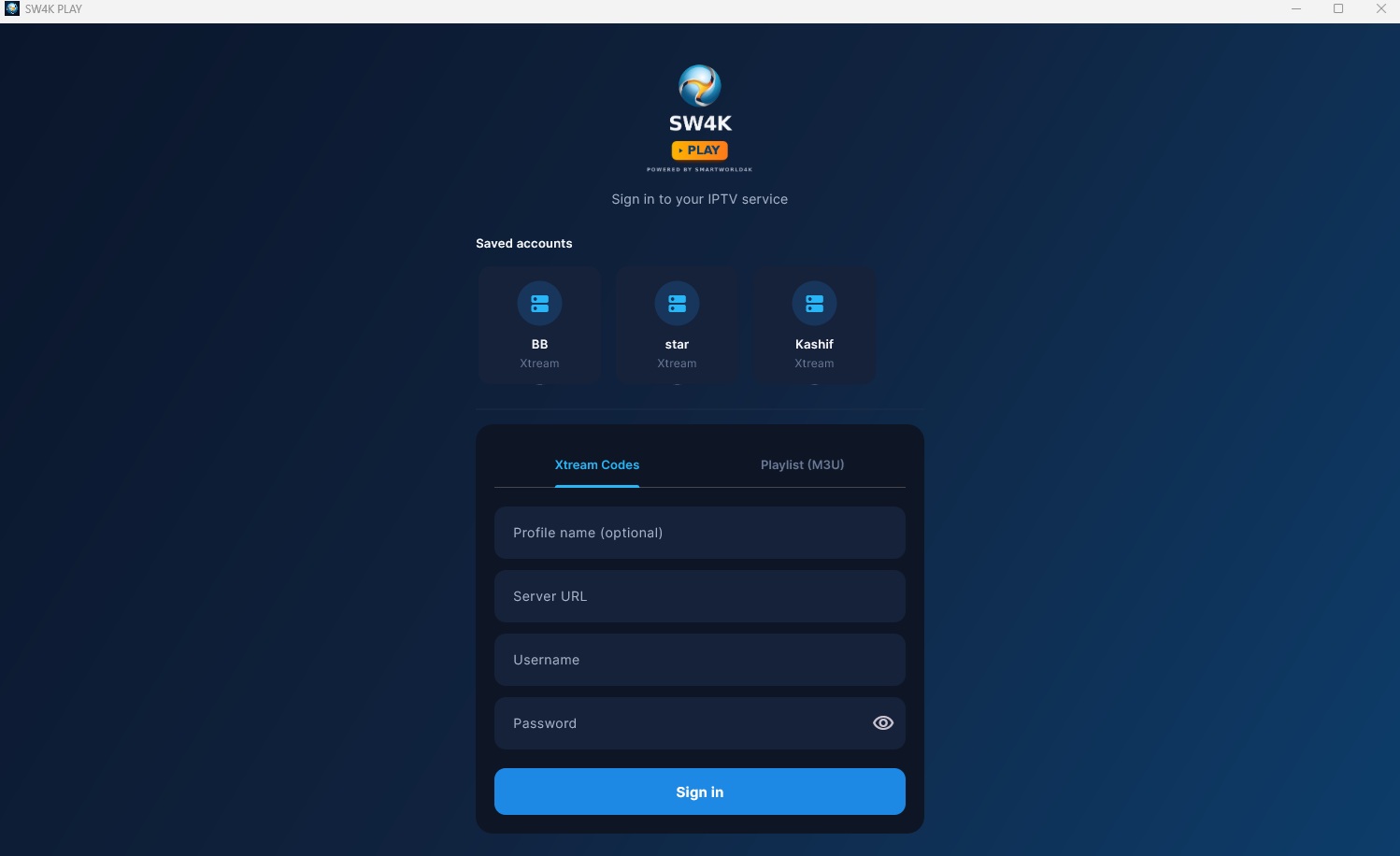
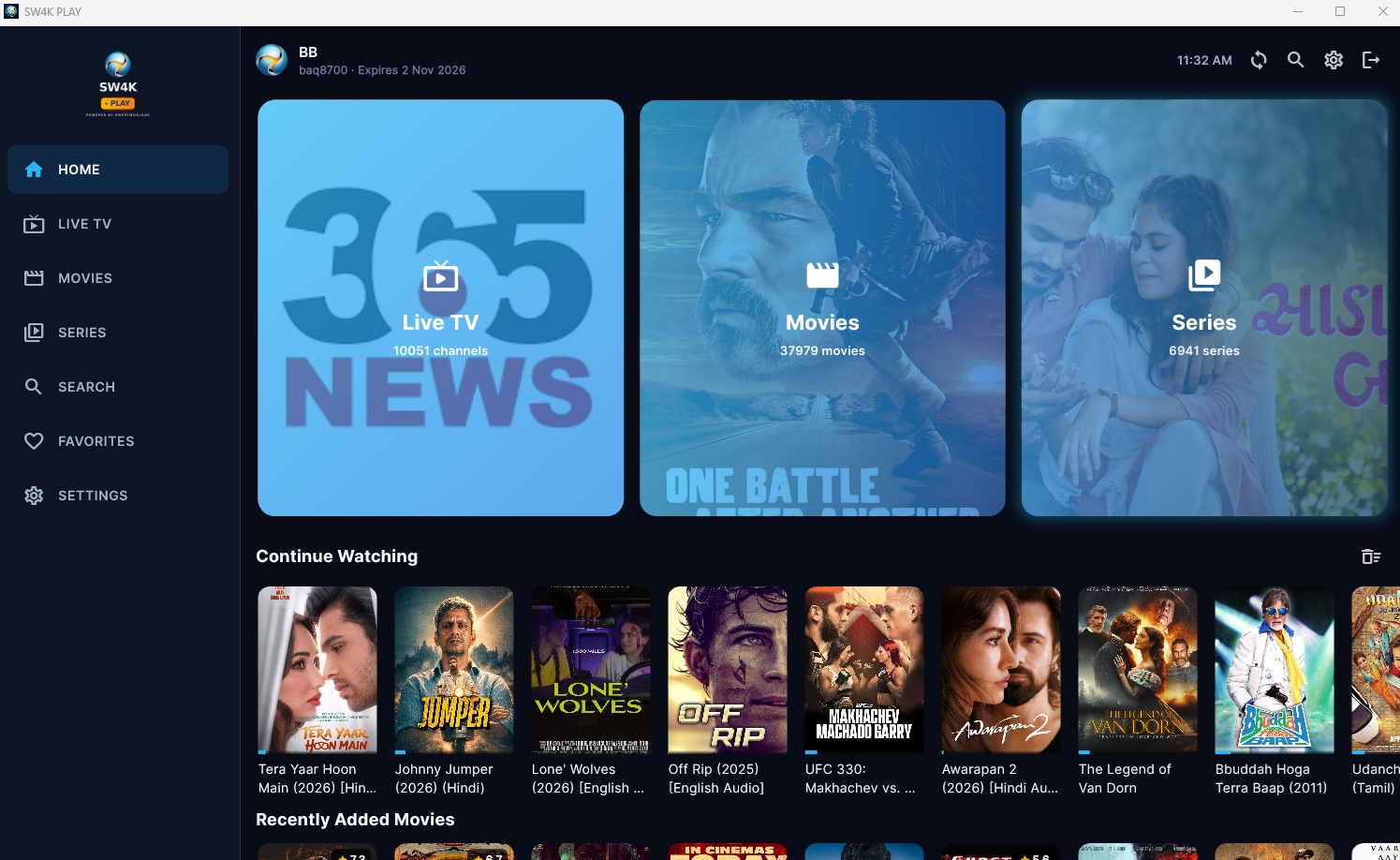
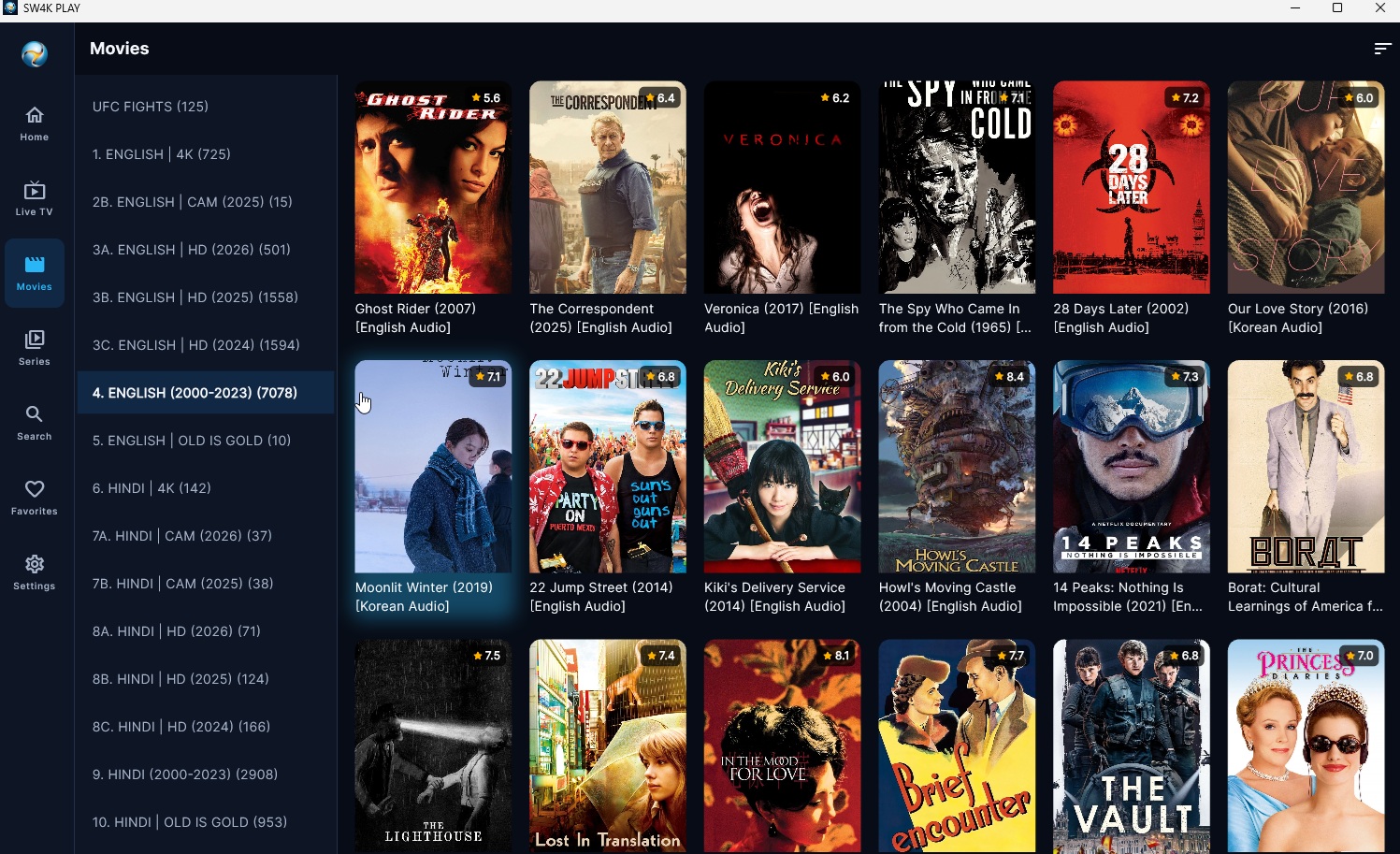
SW4K PLAY is a fast, modern player built for the service you already have. Connect with Xtream Codes or an M3U playlist and get Live TV, Movies, and Series in one clean interface — built remote-first for the TV, and just as at home on your phone or PC.
Every detail here came out of testing on real TV hardware, real remotes, and real IPTV connections — not a phone-first app with a TV mode bolted on.
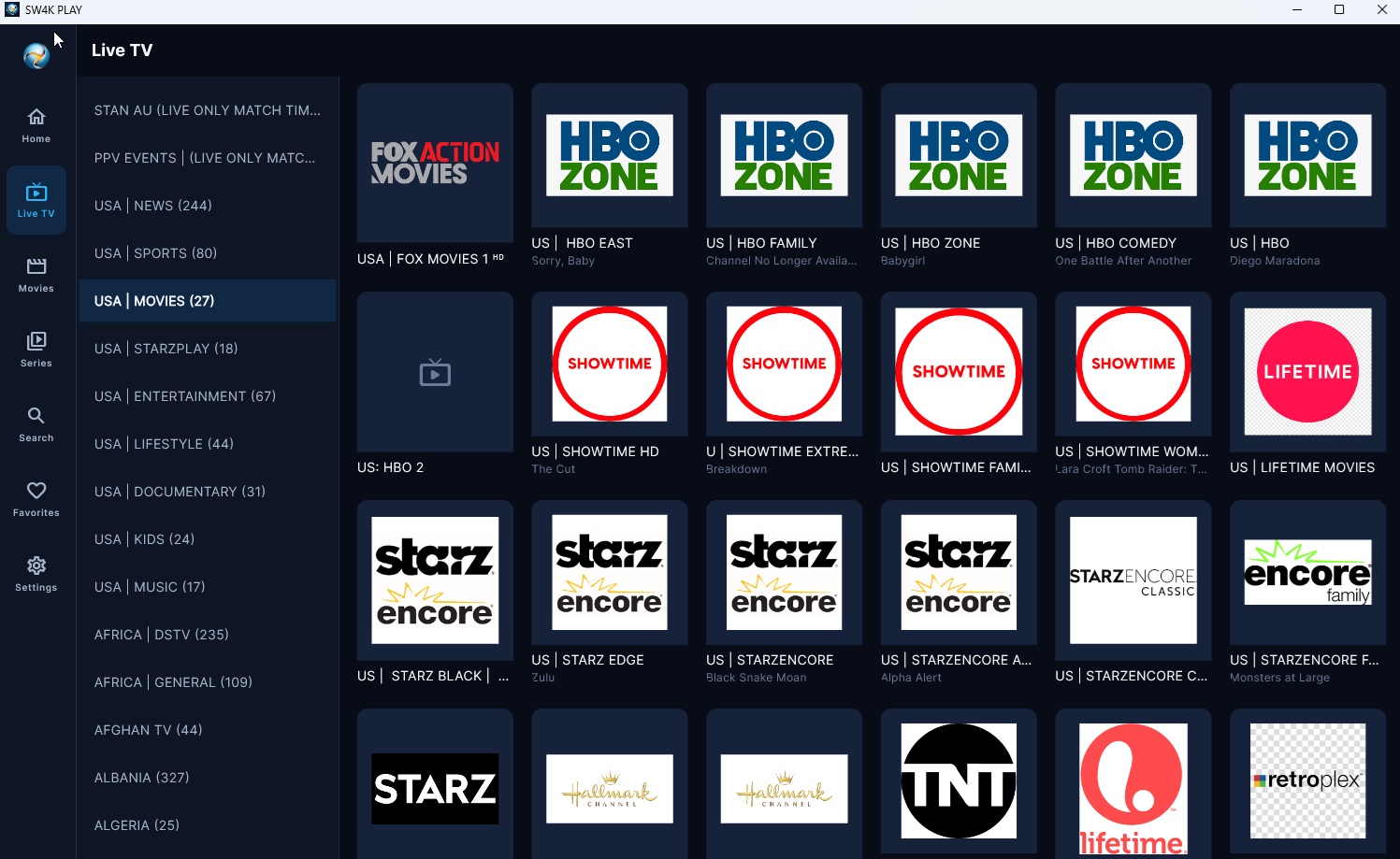
Browse by category, switch channels without leaving the player, and jump straight back to what's playing with one press of the remote.
Pick up a movie or episode exactly where you stopped — across every platform, even on slower connections.
Every screen is built for D-pad control on Android TV and Fire TV, not just tapped-through on a touchscreen and hoped for the best.
Lock categories behind a PIN so what's browsable stays appropriate for whoever's holding the remote.
Switch between saved Xtream or M3U accounts in seconds — handy if you manage more than one connection.
Hardware-accelerated video where your device supports it, tuned per-platform to avoid the codec issues generic players run into.
SW4K PLAY doesn't sell or include any channels, movies, or subscriptions — connect it to an IPTV (Xtream Codes) or M3U/M3U8 service you already use.
Add your server address and login, or your playlist URL. Save multiple profiles if you need to.
Phone, tablet, TV, or PC — the same clean interface, tuned for whichever one you're holding.
SW4K PLAY is a player, not a content provider. It doesn't host, sell, or bundle any channels, movies, or series — everything you watch comes from the service you choose to connect.
Windows and Android builds are ready today. Microsoft Store and Google Play listings are on the way.